
Delta Force’s storefront describes operators with their own gadgets and abilities. Read the current kit before selecting a role, then tell teammates what support or utility they can expect.[1]
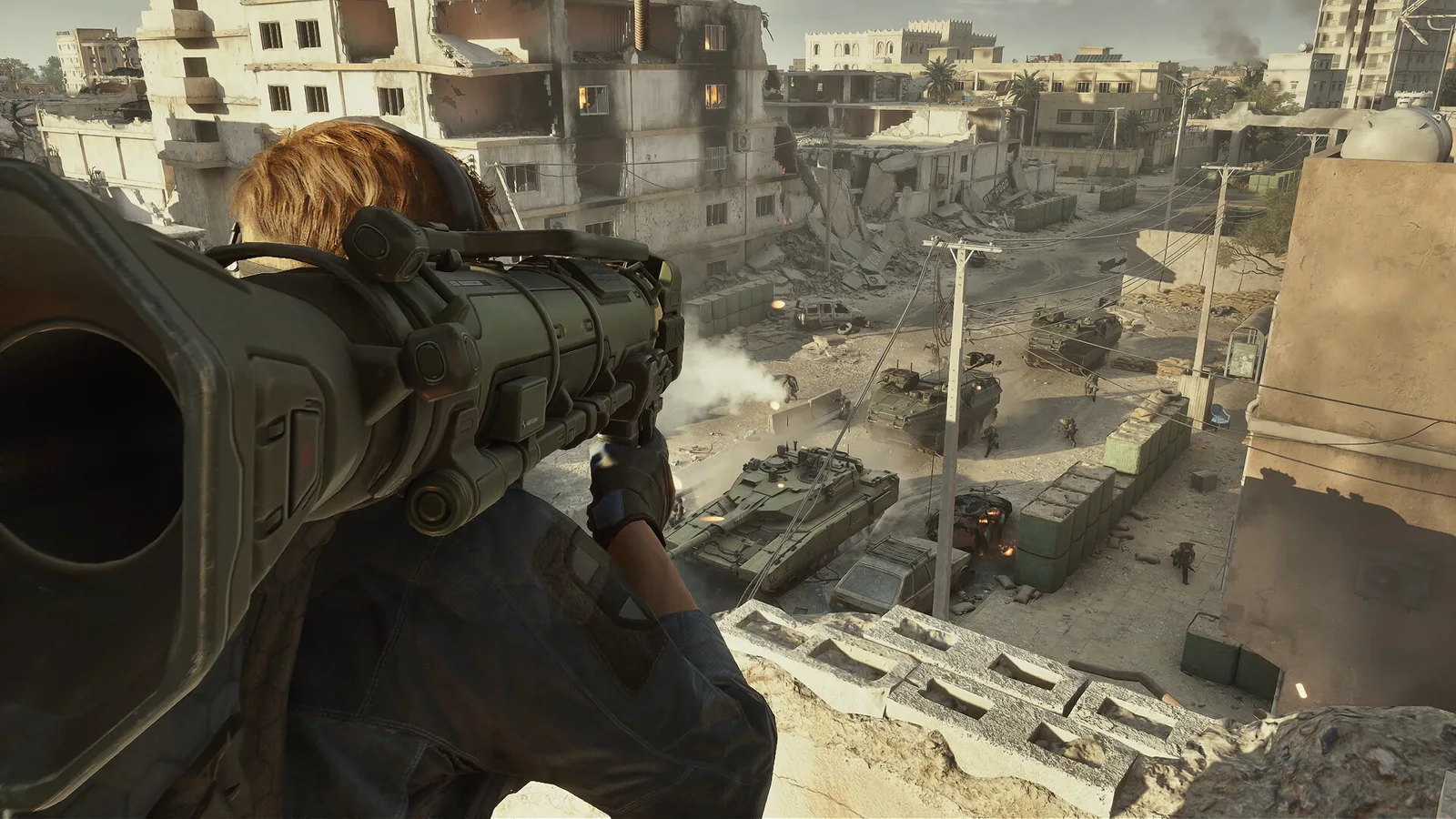
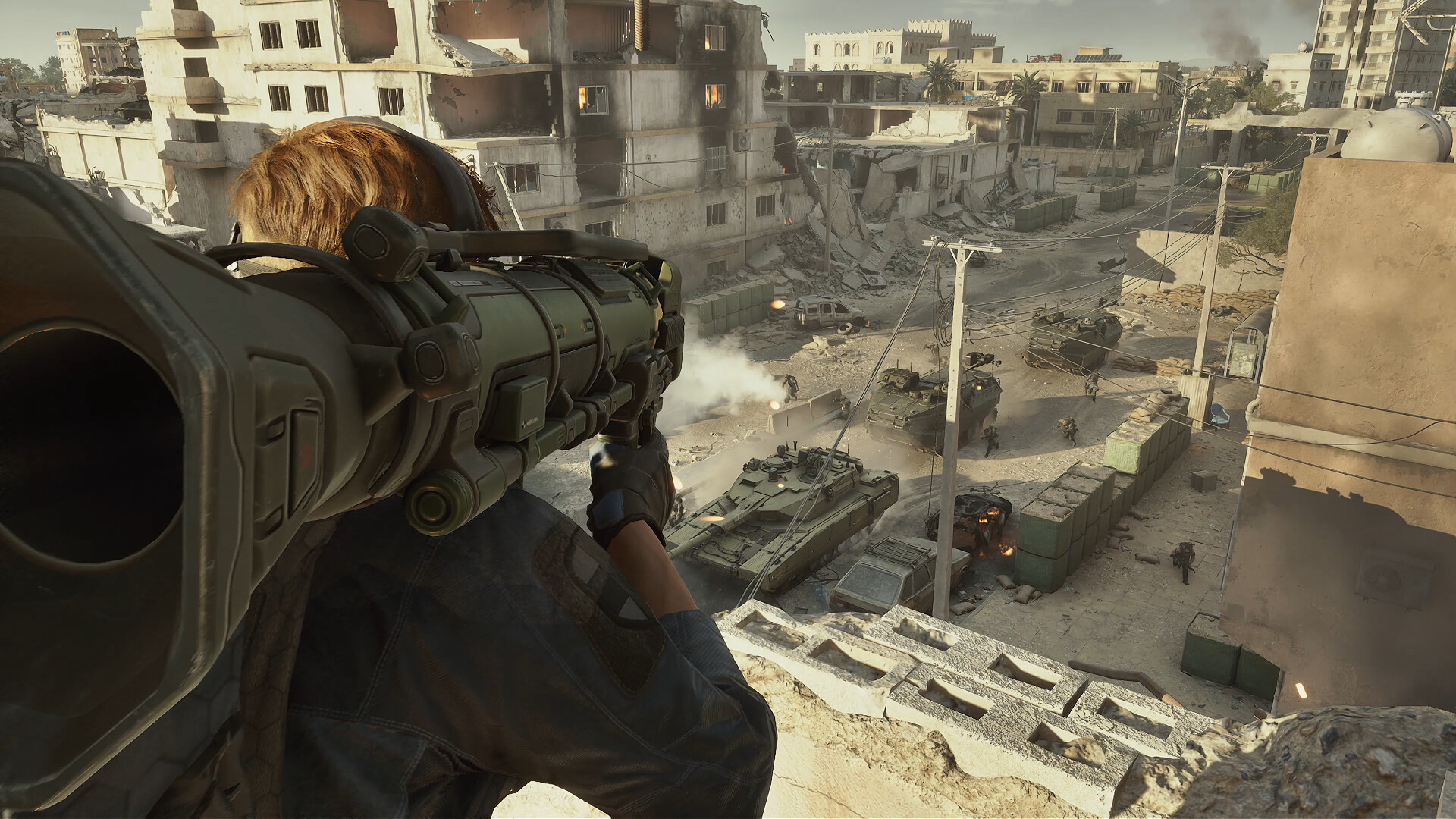
Understand the distinction
Our suggested exercise focuses on coordination rather than ranking operators. The useful question for a first squad is which ability helps the chosen objective and when teammates should react to it.[1]
Suggested checklist
Limits and next steps
This is not a current competitive tier list and does not assume a permanent operator balance state.[1]
Continue with Delta Force loadouts: compare one weapon change at a time.
Sources & verification
Facts last checked Oct 31, 2026. Checking a source does not change the page’s update date.
- Delta Force — official Steam listing TiMi Studio Group / Valve · official · Checked Oct 31, 2026
Steam desktop listing checked through Valve’s public appdetails API. Platform and requirements fields describe this storefront edition, not every console release.
Original language: en
Page history
Published an original English source-linked explanation with scope limits and a suggested checklist.
A source and a little context help us keep this guide useful.