Guide
Apex Legends cross-play: prepare a party with friends
Separate playing together from sharing account progress.
PC
Build version not confirmed
Playveylo Editorial organizes official documentation and attributed reporting into game references. AI assists research and drafting; source limits remain labelled.
Our references distinguish source-backed facts, attributed reporting and unconfirmed details. Read the editorial policy for our source, AI-assistance and correction practices.
Separate playing together from sharing account progress.
PC
Build version not confirmed
Understand account ownership before changing platform links.
PC
Build version not confirmed
Learn the current onboarding route before your first full match.
PC
Build version not confirmed
Check Apex Legends Windows requirements: compare the Steam-listed CPU, GPU, RAM and storage before installing.
PC
Build version not confirmed
Check the challenge route that applies to a new account.
PC
Build version not confirmed
Learn one weapon pair before chasing a changing tier list.
PC
Build version not confirmed
Read the published rarity caveat without treating a rare cosmetic as a guaranteed milestone.
PC · macOS
Build version not confirmed
Arrange lobby cats with the developer’s Spawn Settings controls.
PC · macOS
Build version not confirmed
Use the July interaction update without confusing your clicks with a friend’s rewards.
PC · macOS
Build version not confirmed
Check Bongo Cat Windows requirements: compare the Steam-listed CPU, GPU, RAM and storage before installing.
PC
Build version not confirmed
Understand what the desktop cat counts and where cosmetic choices fit.
PC · macOS
Build version not confirmed
Find theme settings and understand how the October announcement describes active passes.
PC · macOS
Build version not confirmed
Understand the shared Steam app history and why the store date predates CS2.
PC · Linux
Build version not confirmed
Check why a Premier rating may not yet appear on a public leaderboard.
PC · Linux
Build version not confirmed
Check Counter-Strike 2 Windows requirements: compare the Steam-listed CPU, GPU, RAM and storage before installing.
PC
Build version not confirmed
Check the difference between free play, Prime benefits and Premier eligibility.
PC · Linux
Build version not confirmed
Identify the three progression labels before interpreting a missing or changing rank.
PC · Linux
Build version not confirmed
Understand lobby warnings without relying on unofficial Trust Factor calculators.
PC · Linux
Build version not confirmed
Understand the character progression screen before spending.
PC
Build version not confirmed
Check platform exceptions and permanent synchronization rules.
PC
Build version not confirmed
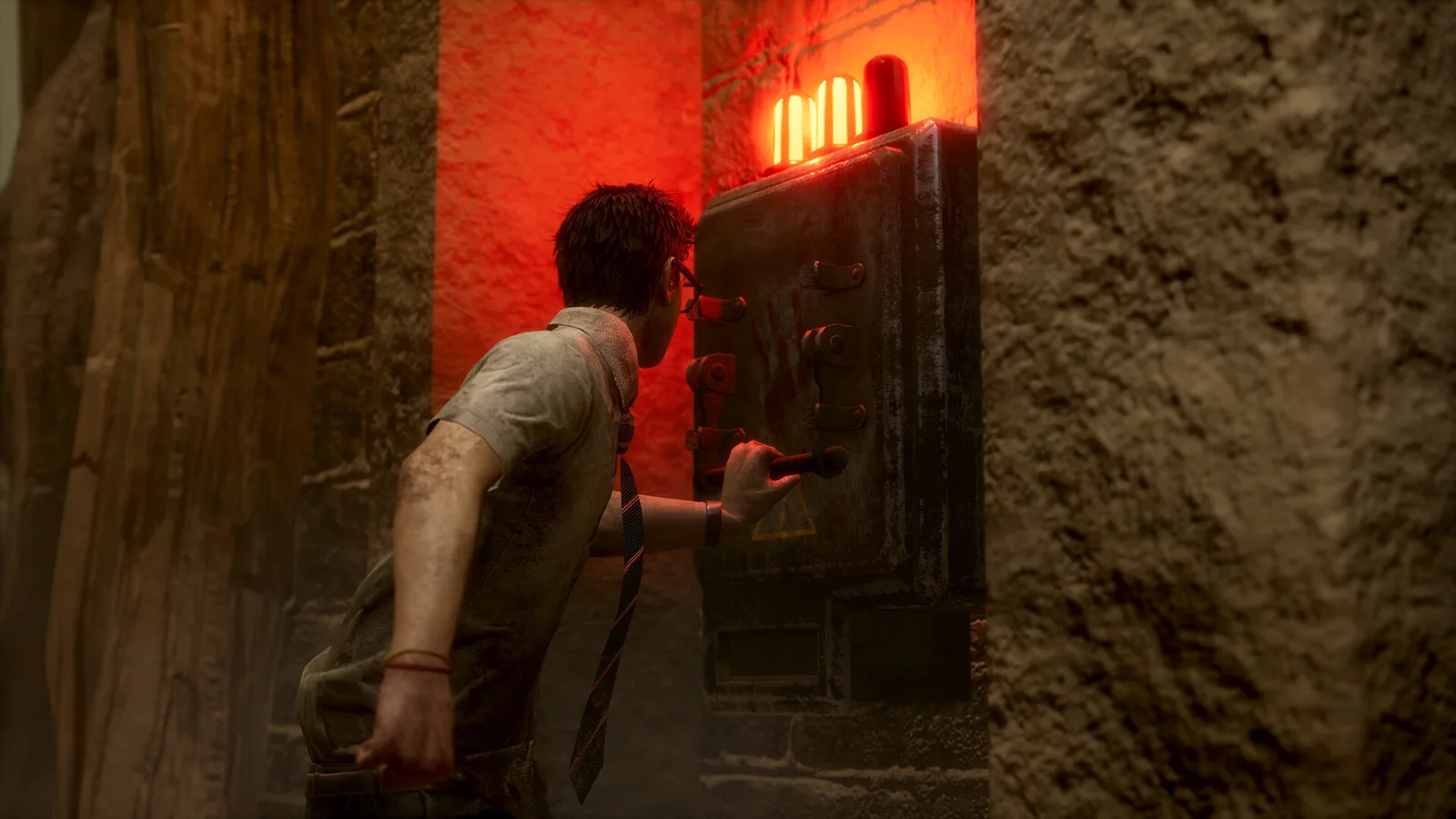
Focus a first Killer session on the role’s basic tools.
PC
Build version not confirmed
Read the item type before assuming it changes the same thing.
PC
Build version not confirmed
Check Dead by Daylight Windows requirements: compare the Steam-listed CPU, GPU, RAM and storage before installing.
PC
Build version not confirmed
Learn the escape loop without treating every encounter as a chase.
PC
Build version not confirmed
Choose between large-scale battles and extraction-focused sessions.
PC
Build version not confirmed
Use customization to answer a specific handling question.
PC
Build version not confirmed
Build a route around getting out with your loot.
PC
Build version not confirmed
Make your operator choice part of a shared plan.
PC
Build version not confirmed
Check Delta Force Windows requirements: compare the Steam-listed CPU, GPU, RAM and storage before installing.
PC
Build version not confirmed
Check the announced mini-mode window and squad requirements.
PC
Build version not confirmed
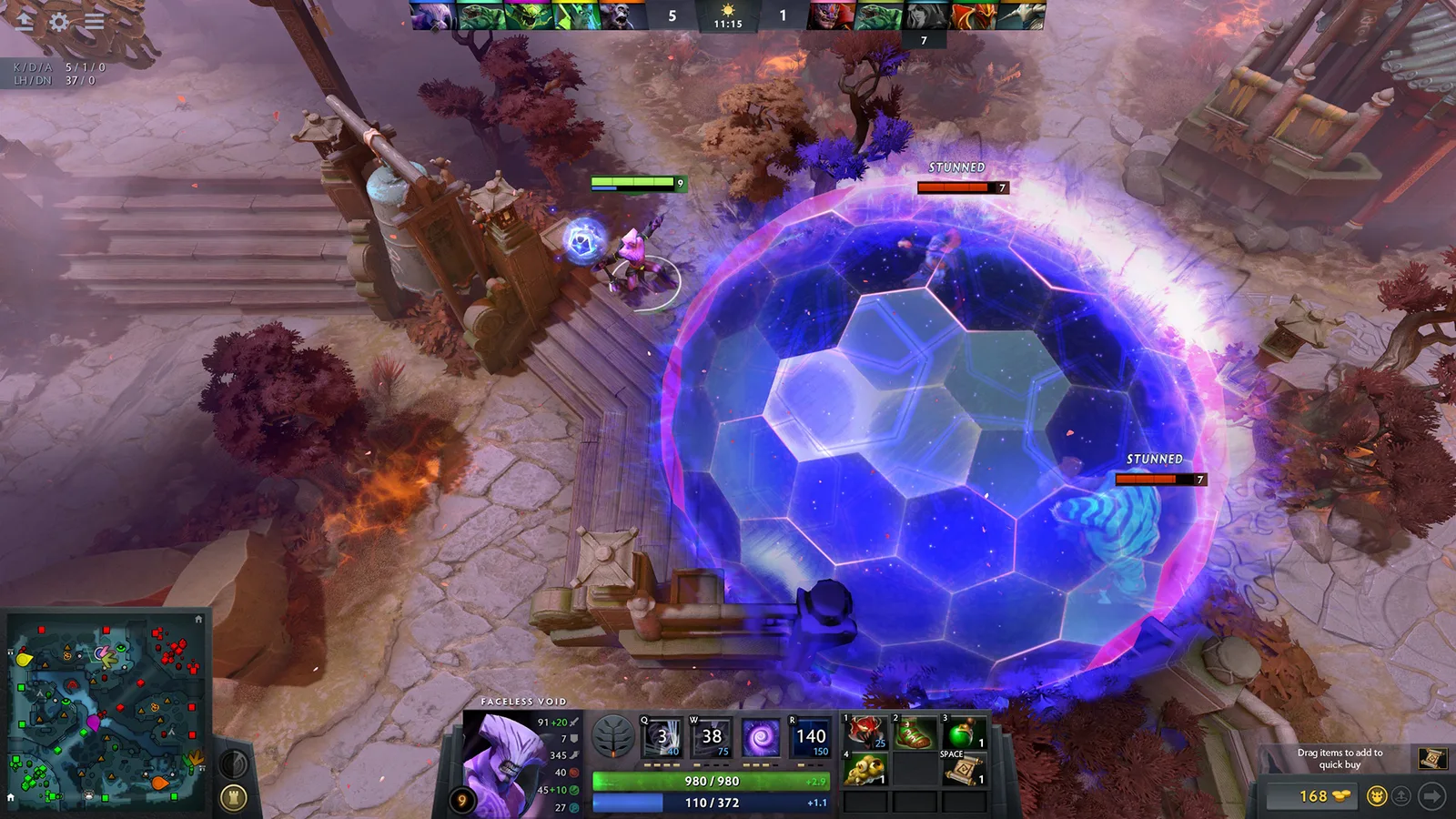
Distinguish Crystal Nova, Frostbite and Freezing Field before your first support game.
PC · macOS · Linux
Build version not confirmed
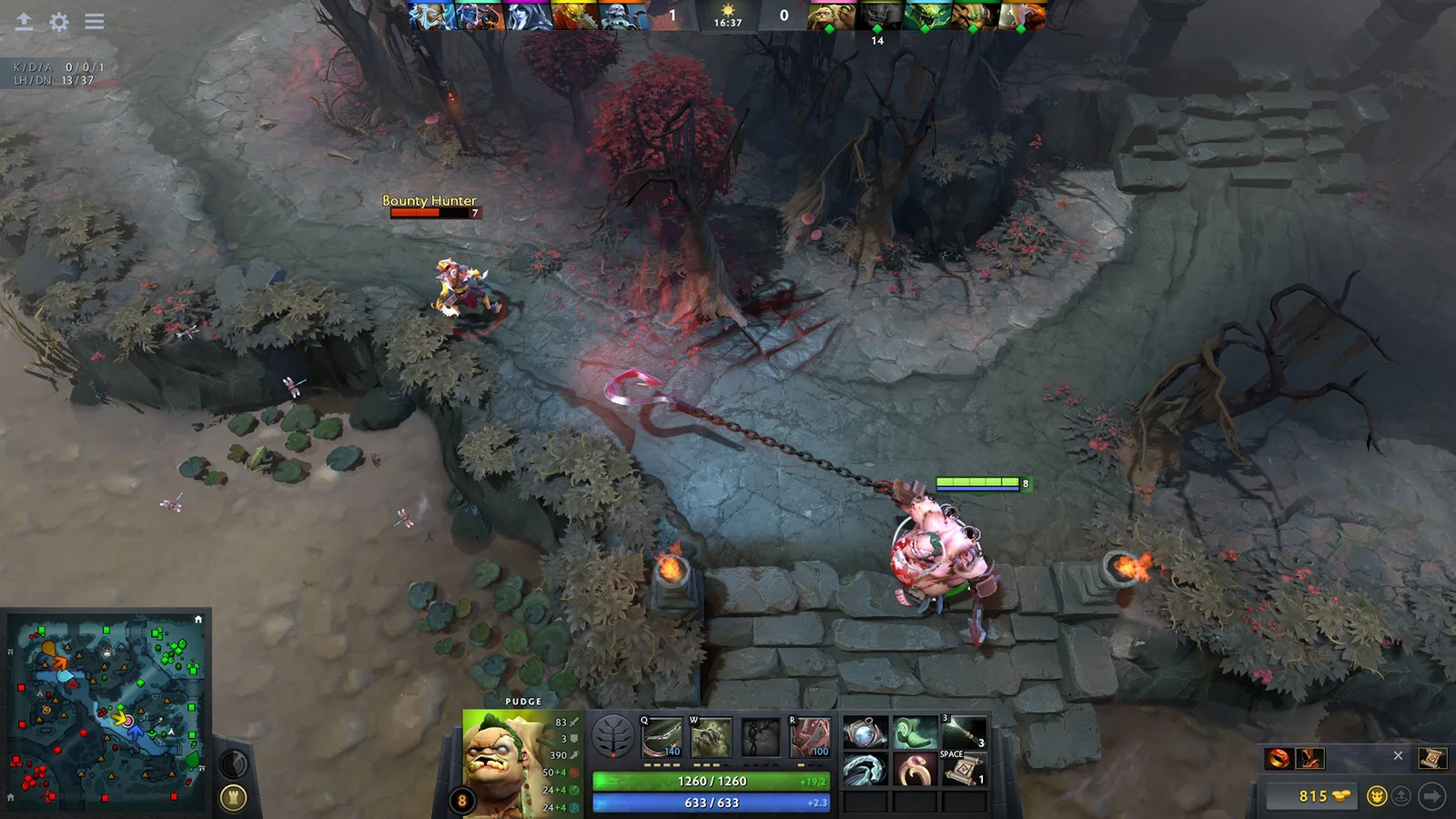
Learn Dragon Knight’s fire, stun and transformation from Valve’s hero data.
PC · macOS · Linux
Build version not confirmed
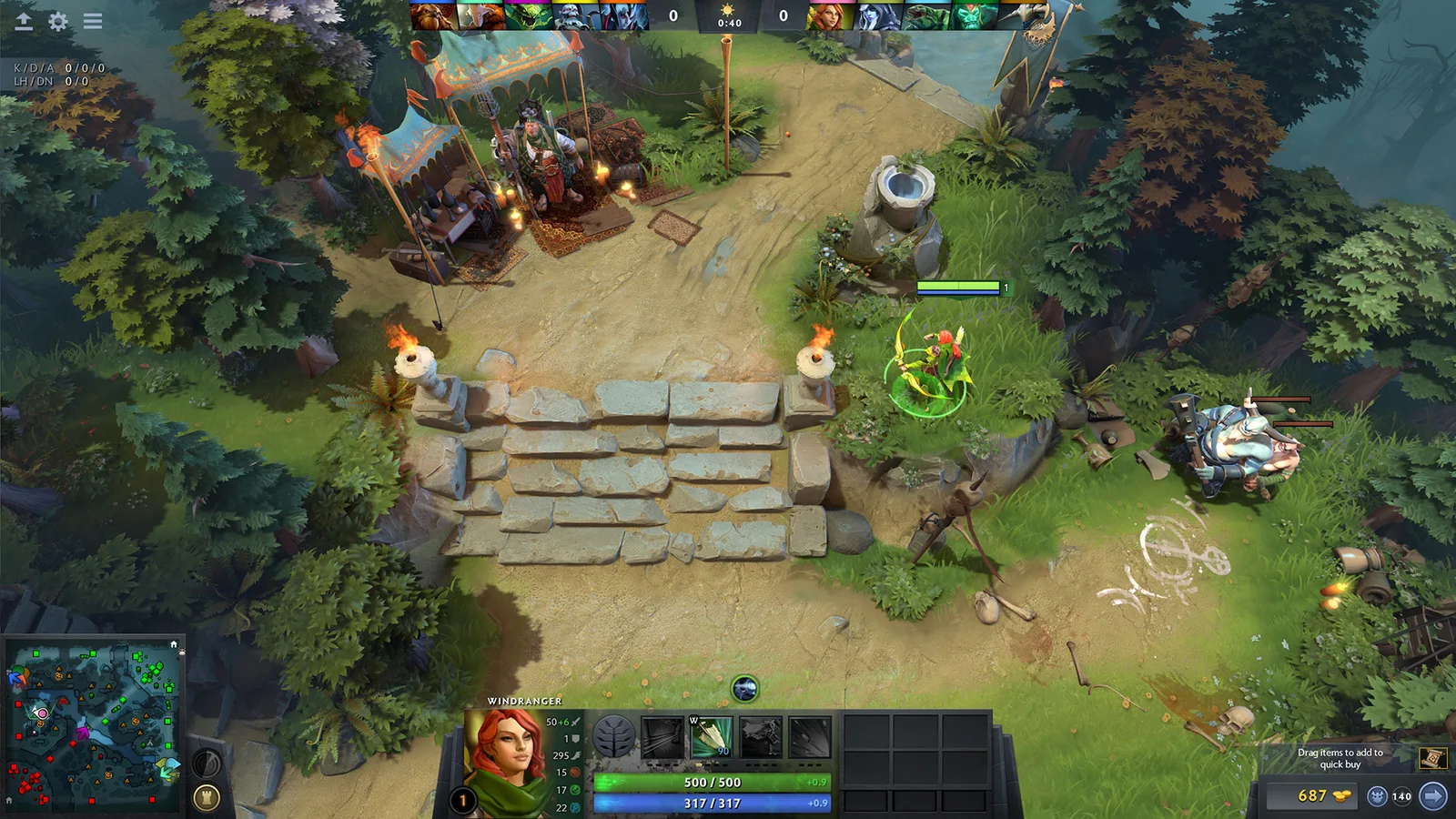
Use practice modes to learn one hero before adding the pressure of a public match.
PC · macOS · Linux
Build version not confirmed
Use Valve’s learning-system design as a route through the client’s beginner tools.
PC · macOS · Linux
Build version not confirmed
Read selected September fixes with their original version scope.
PC · macOS · Linux
Build version not confirmed
Check Dota 2 Windows requirements: compare the Steam-listed CPU, GPU, RAM and storage before installing.
PC
Build version not confirmed
Choose a career objective you can follow and assess.
PC
Build version not confirmed
Learn the progression vocabulary before building your pro.
PC
Build version not confirmed
Check generation groups before inviting a friend.
PC
Build version not confirmed
Understand which gameplay design applies to your mode.
PC
Build version not confirmed
Check EA SPORTS FC 26 Windows requirements: compare the Steam-listed CPU, GPU, RAM and storage before installing.
PC
Build version not confirmed
Distinguish event formats before building a squad.
PC
Build version not confirmed
Build a repeatable practice session before copying a racing tune.
PC
Build version not confirmed
Start your Japan journey with controls that fit you.
PC
Build version not confirmed
Read the dated series announcement before expecting its activities.
PC
Build version not confirmed
Check Forza Horizon 6 Windows requirements: compare the Steam-listed CPU, GPU, RAM and storage before installing.
PC
Build version not confirmed
Separate the three progression paths before chasing a reward.
PC
Build version not confirmed
Distinguish the upcoming PS5 release from the available Steam edition.
PC
Build version not confirmed
Use support for PC storefront link problems instead of experimenting.
PC
Build version not confirmed
Understand the Career Builder’s four starting business choices before planning your Online character.
PC
Build version not confirmed
Check edition-specific features without assuming a performance result.
PC
Build version not confirmed
Read eligibility and destination warnings before starting the transfer.
PC
Build version not confirmed
Check Grand Theft Auto V Enhanced Windows requirements: compare the Steam-listed CPU, GPU, RAM and storage before installing.
PC
Build version not confirmed
Keep Story Mode transfer separate from Online profile migration.
PC
Build version not confirmed
Identify the edition before following requirements or migration steps.
PC
Build version not confirmed
Know what stays behind and what stops synchronizing.
PC
Build version not confirmed
Check Grand Theft Auto V Legacy Windows requirements: compare the Steam-listed CPU, GPU, RAM and storage before installing.
PC
Build version not confirmed
Check the account needed for installation and online features.
PC
Build version not confirmed
Distinguish Steam, Epic and Rockstar launcher access from edition changes.
PC
Build version not confirmed
Understand the one-time download limit before uploading a save.
PC
Build version not confirmed
Learn what a changing battlefield means for positioning and cover.
PC
Build version not confirmed
Read the October update announcement as a dated reference.
PC
Build version not confirmed
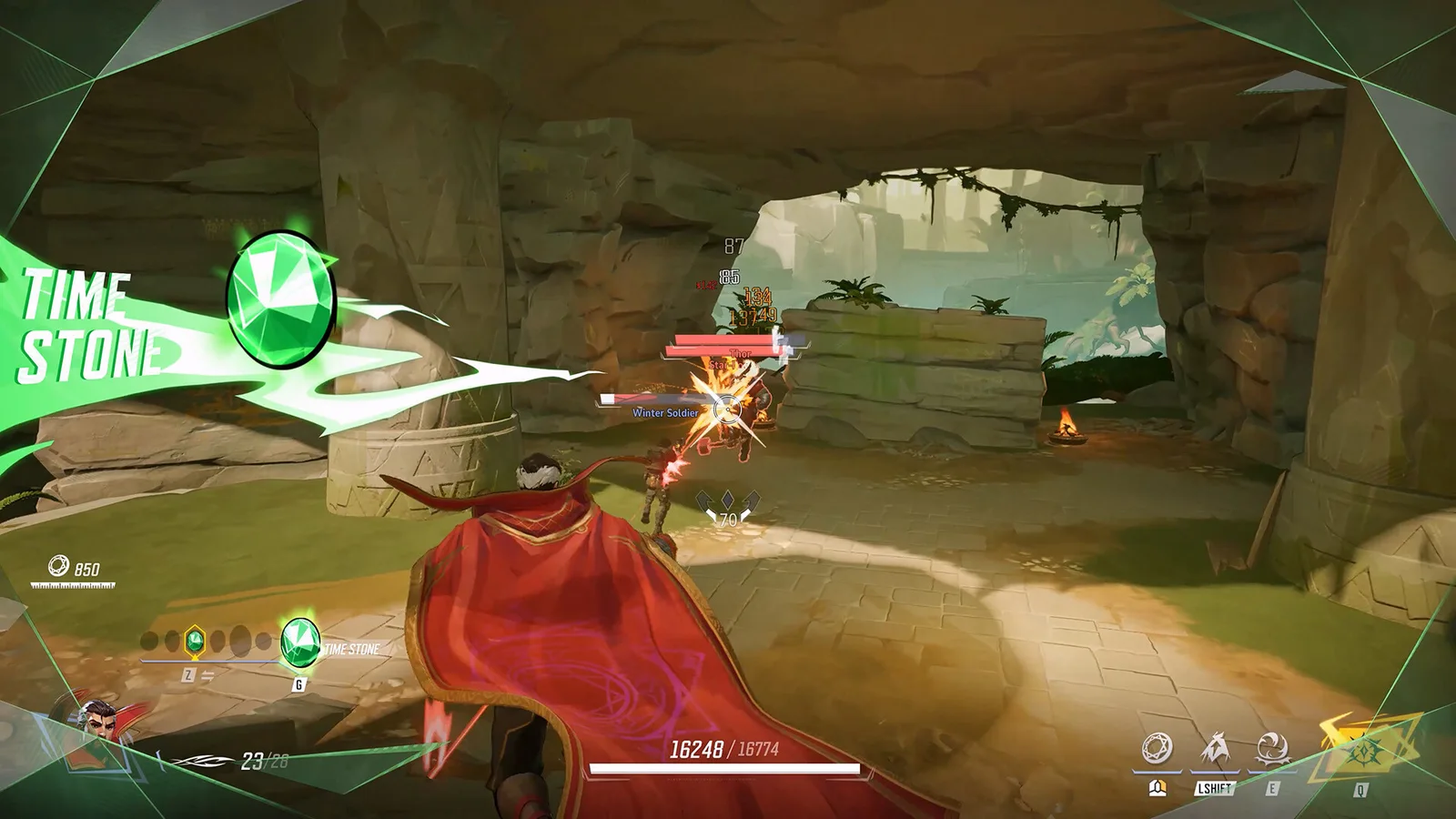
Check Marvel Rivals Windows requirements: compare the Steam-listed CPU, GPU, RAM and storage before installing.
PC
Build version not confirmed
Learn the three role labels before choosing a hero to practise.
PC
Build version not confirmed
Prepare a shared plan for the game’s team-based matches.
PC
Build version not confirmed
Verify a Team-Up in the current hero screen before planning around an old combination.
PC
Build version not confirmed
Separate playing together from recovering the right account history.
PC
Build version not confirmed
Use the current roster as a reference for ability learning.
PC
Build version not confirmed
Build a simple practice routine around the active mode.
PC
Build version not confirmed
Find the dated controller fix without assuming every input issue is identical.
PC
Build version not confirmed
Check Overwatch Windows requirements: compare the Steam-listed CPU, GPU, RAM and storage before installing.
PC
Build version not confirmed
Choose a contribution before trying to master the whole roster.
PC
Build version not confirmed
Check the prerequisites and supplies that let a breeding attempt actually begin.
PC
Build version not confirmed
Distinguish a host’s co-op session from a dedicated-server world.
PC
Build version not confirmed
Establish a compact, usable base before expanding your construction.
PC
Build version not confirmed
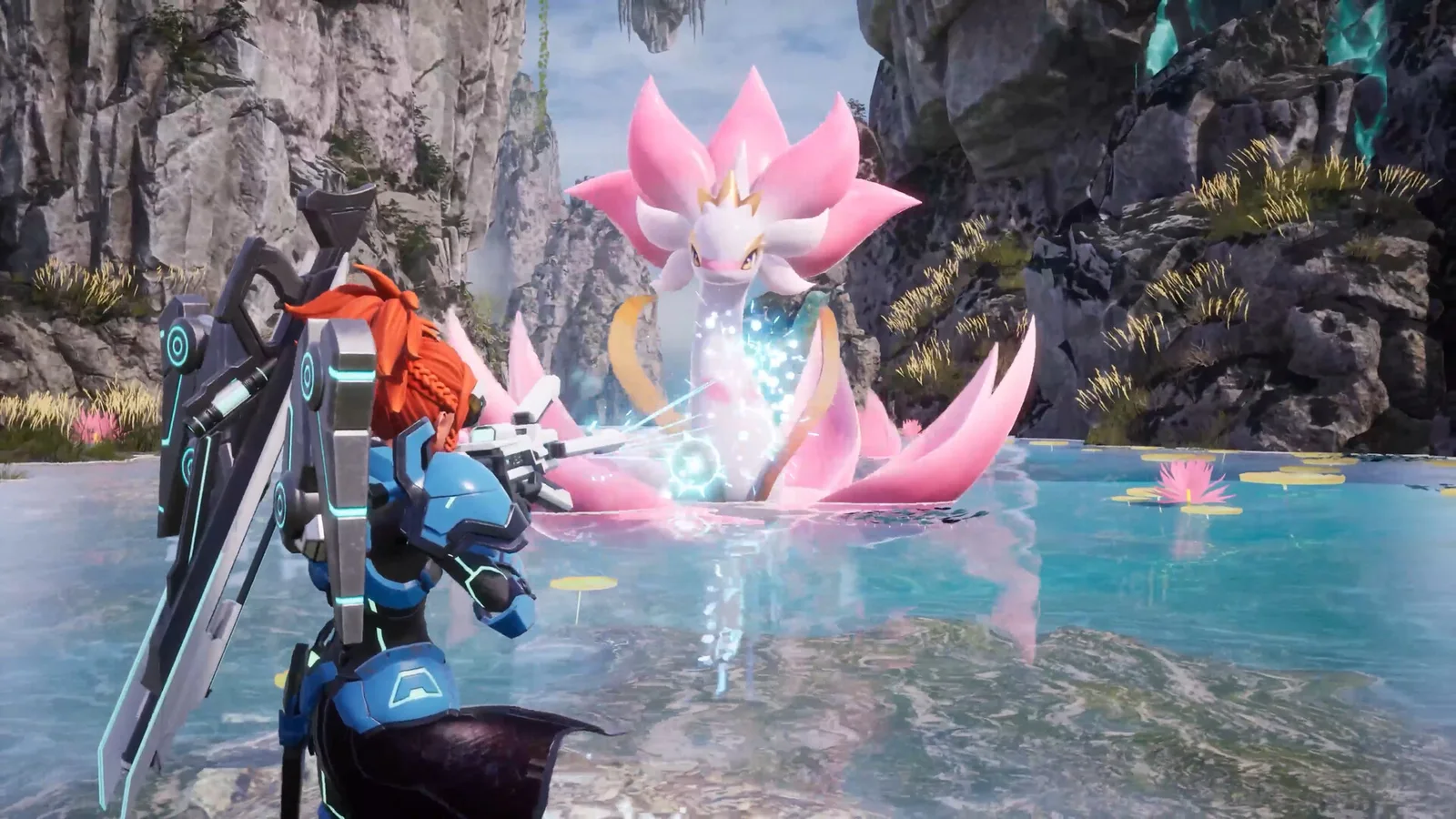
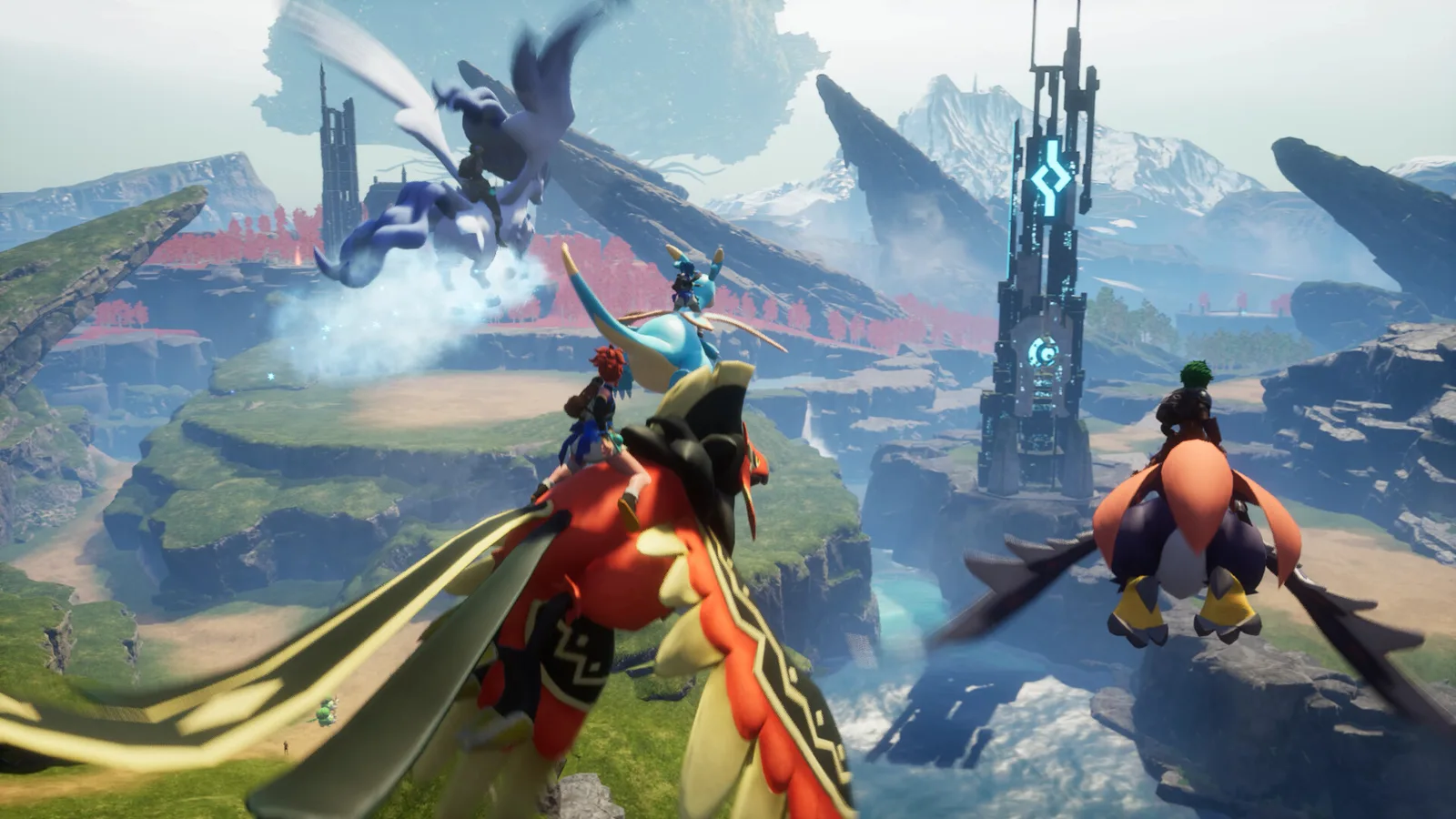
Check Palworld Windows requirements: compare the Steam-listed CPU, GPU, RAM and storage before installing.
PC
Build version not confirmed
Investigate why working Pals stop helping instead of only adding more workers.
PC
Build version not confirmed
Match a job to its required Pal skill before replacing the entire base.
PC
Build version not confirmed
Distinguish the subclass system from ordinary passive points.
PC
Build version not confirmed
Plan around the stated party support and your current campaign state.
PC
Build version not confirmed
Avoid confusing similarly named currency with PoE 1 behavior.
PC
Build version not confirmed
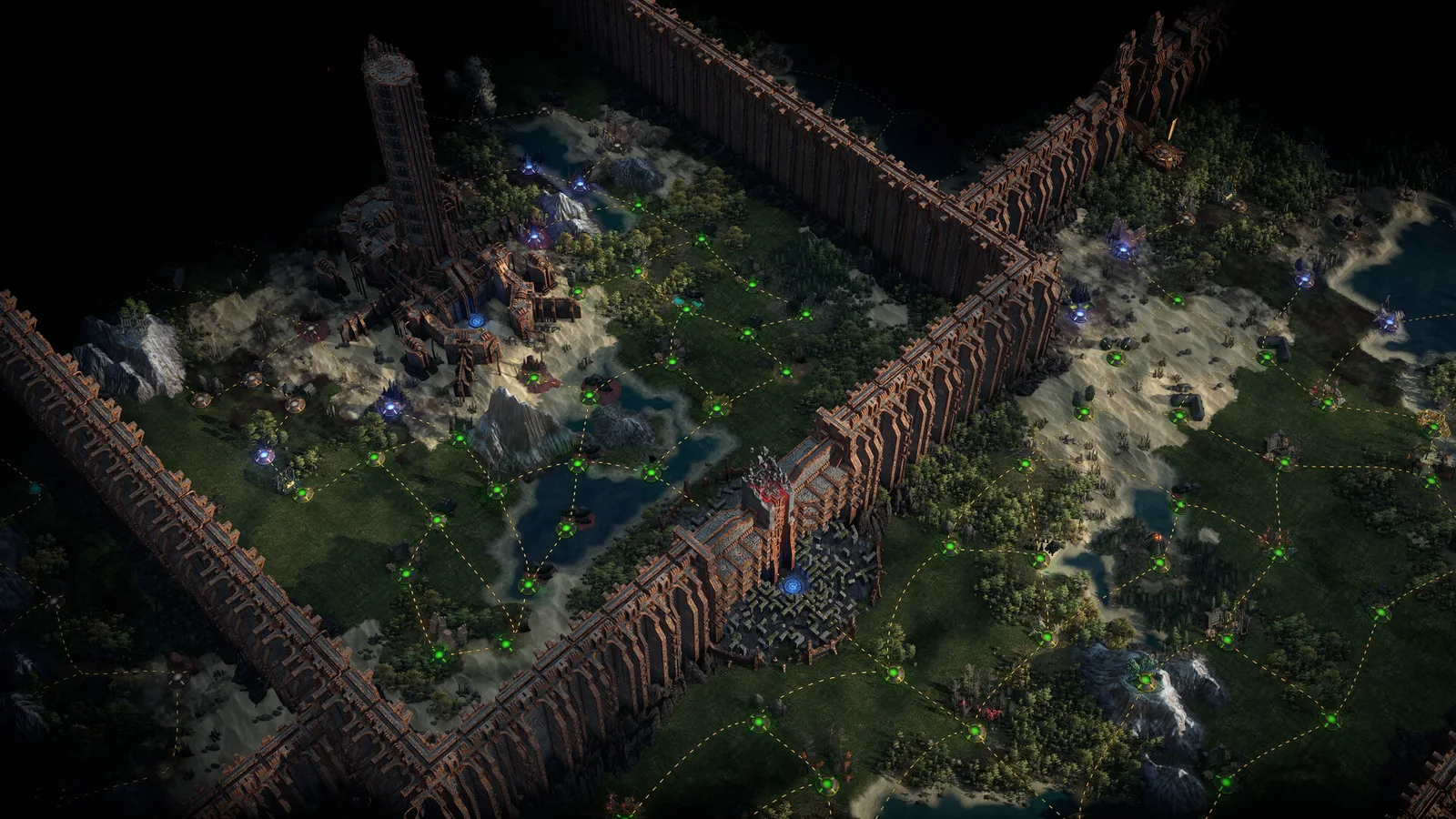
Read the path and its requirements before spending points.
PC
Build version not confirmed
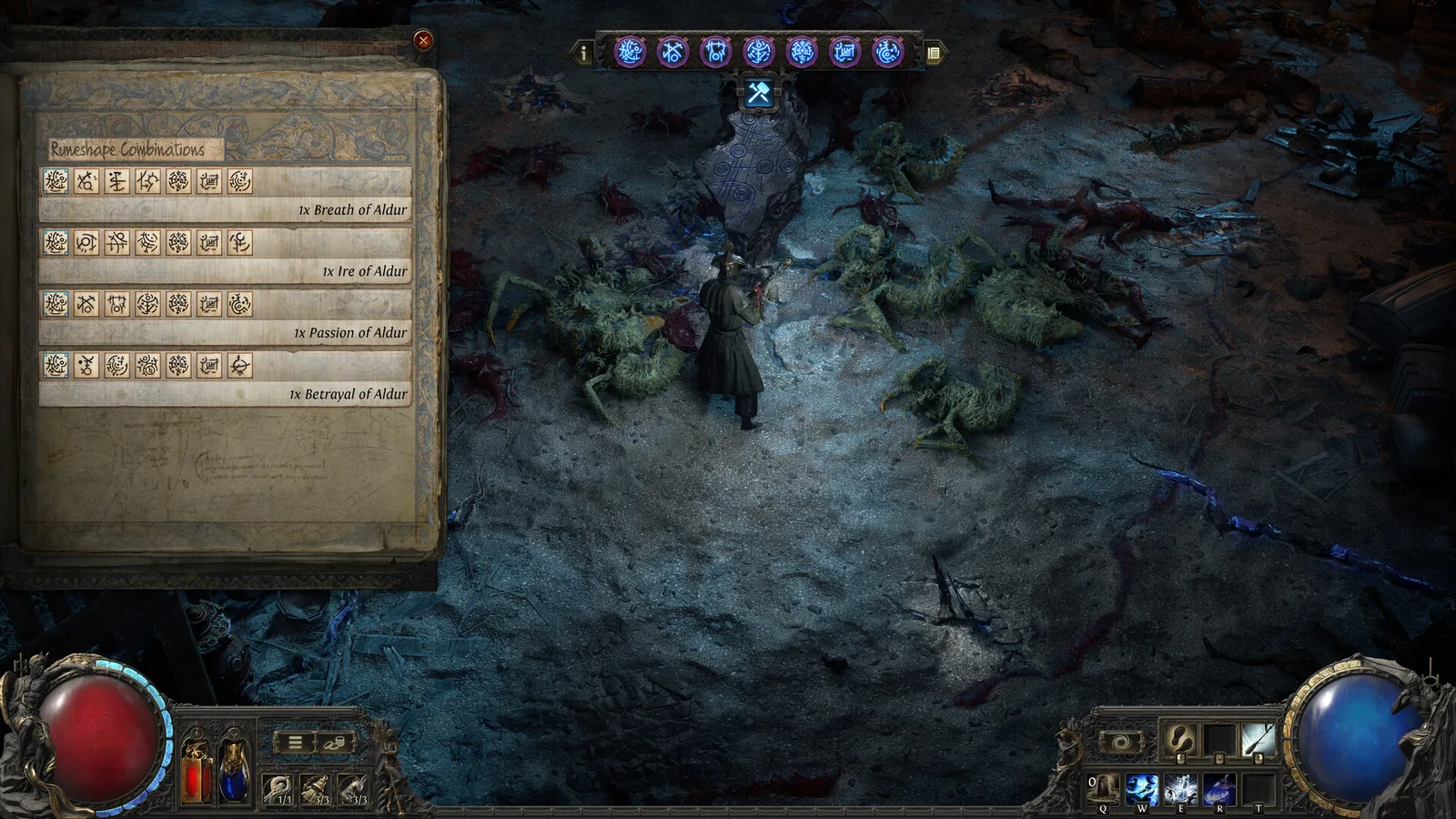
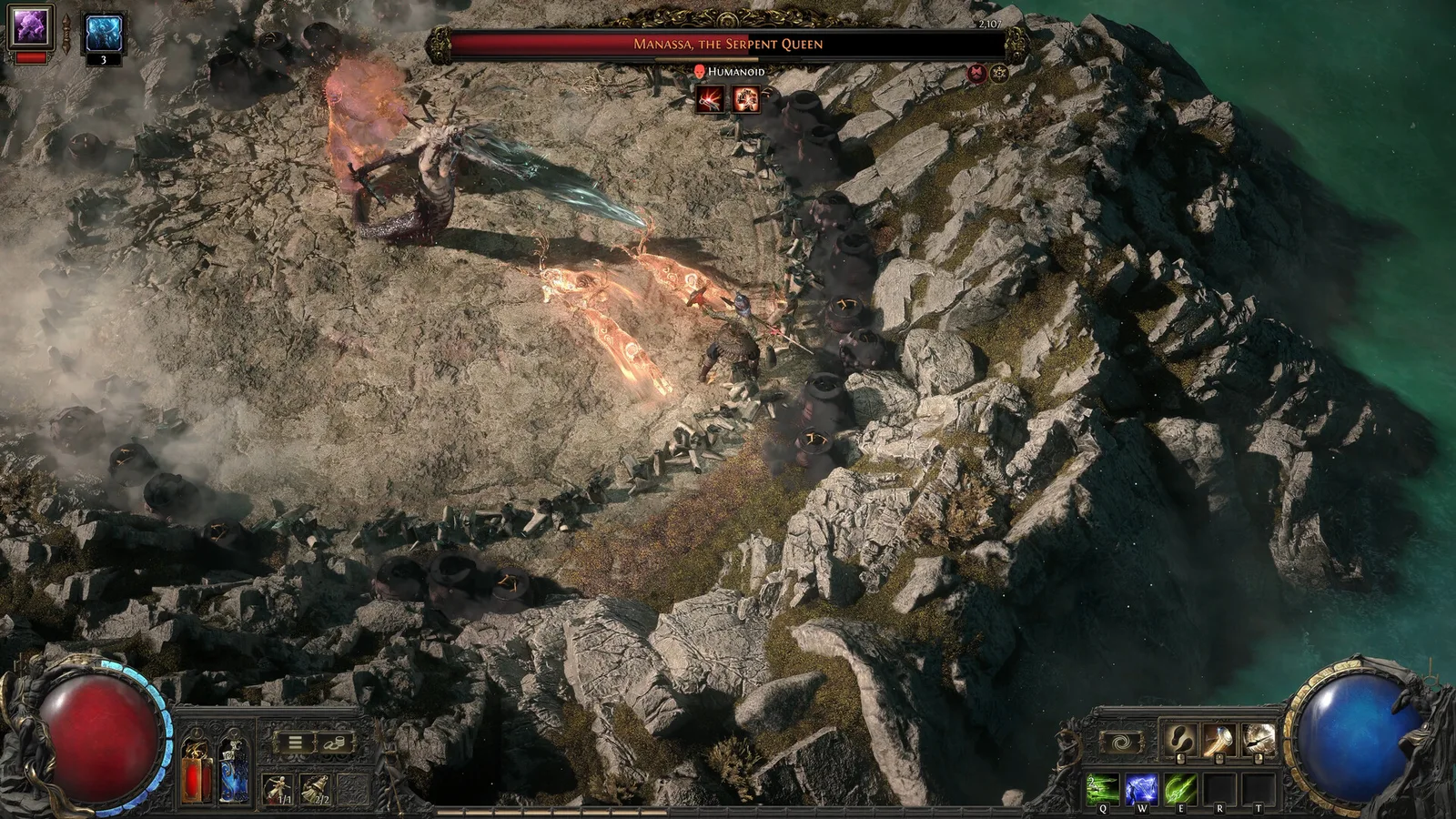
Check Path of Exile 2 Windows requirements: compare the Steam-listed CPU, GPU, RAM and storage before installing.
PC
Build version not confirmed
Understand the newer gem system before using a PoE 1 guide.
PC
Build version not confirmed
Use the inventory to confirm what improves your actual loadout.
PC
Build version not confirmed
Find the revamped training route and understand chapter completion.
PC
Build version not confirmed
Build a repeatable first-match routine without relying on a fixed best landing spot.
PC
Build version not confirmed
Check PUBG: BATTLEGROUNDS Windows requirements: compare the Steam-listed CPU, GPU, RAM and storage before installing.
PC
Build version not confirmed
Check the official access requirements before troubleshooting a locked Ranked queue.
PC
Build version not confirmed
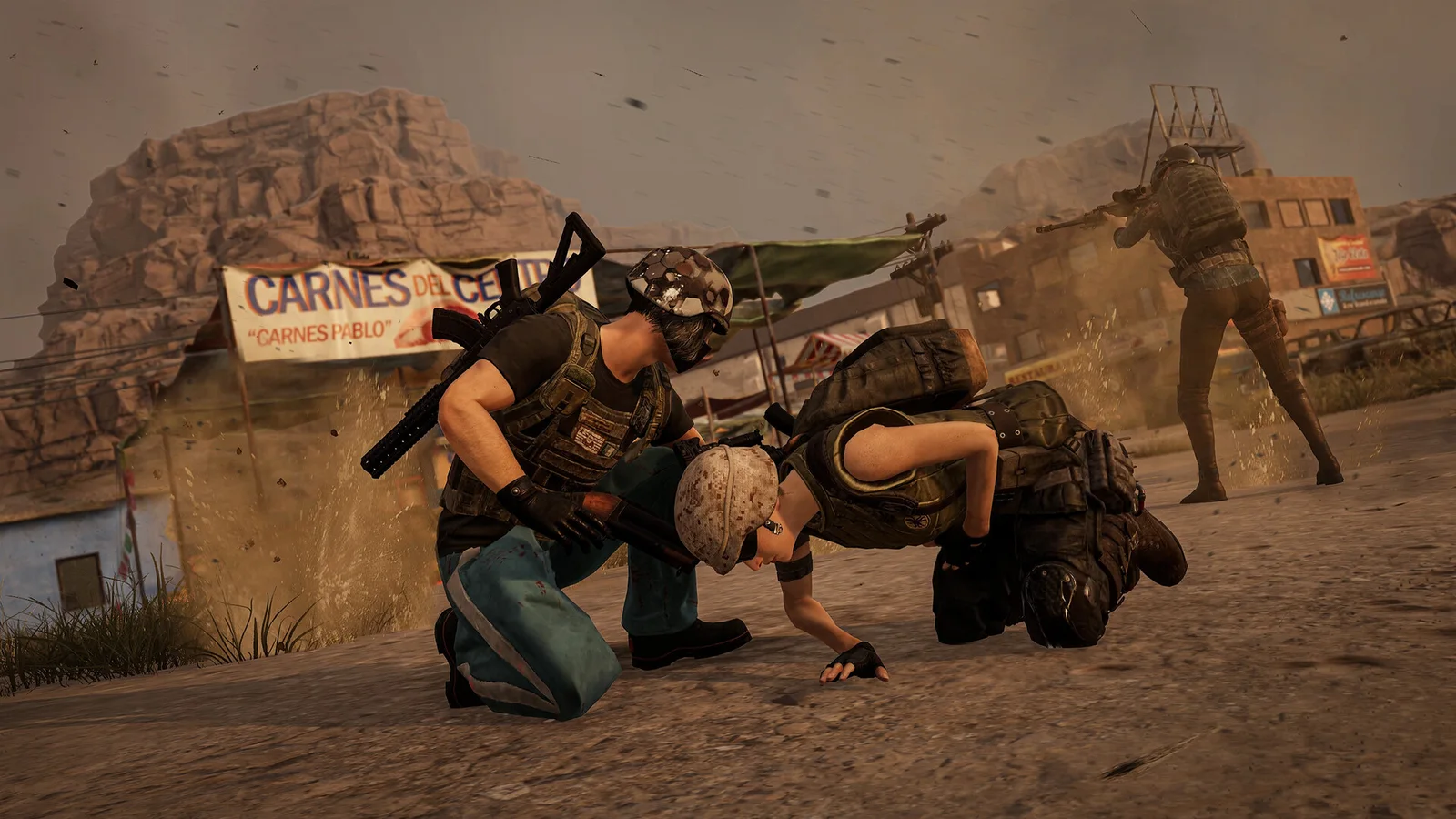
Practise teammate recovery before trying it under live-match pressure.
PC
Build version not confirmed
Build a simple observation and communication routine.
PC
Build version not confirmed
Connect preparation choices to a defensive objective.
PC
Build version not confirmed
Practice reading the environment before repeating a route.
PC
Build version not confirmed
Check playlist access before buying or troubleshooting.
PC
Build version not confirmed
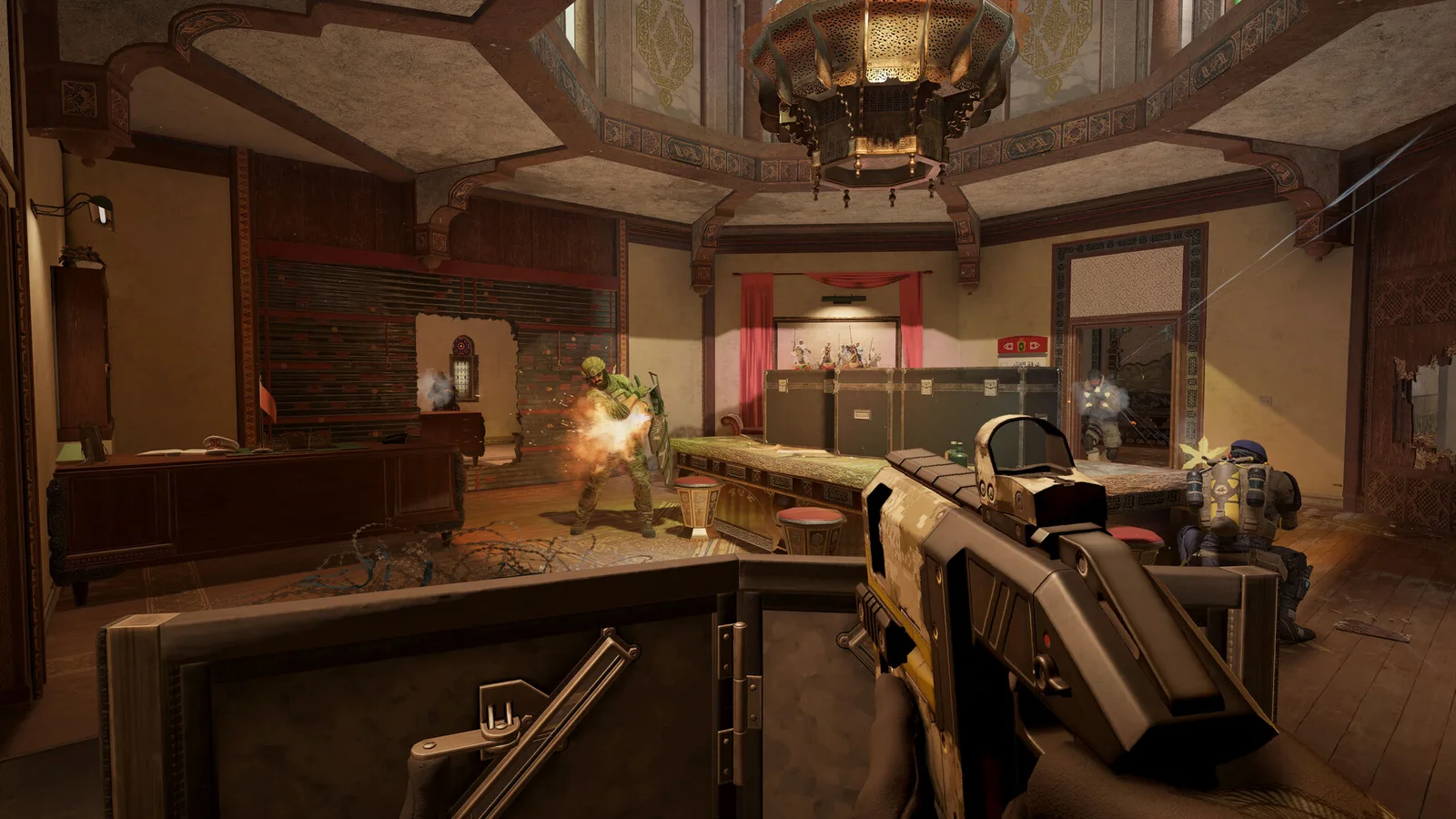
Check Tom Clancy’s Rainbow Six Siege Windows requirements: compare the Steam-listed CPU, GPU, RAM and storage before installing.
PC
Build version not confirmed
Use the official mid-season announcement as a dated reference.
PC
Build version not confirmed
Check the basic lock recipe and the implications of giving somebody a key.
PC · macOS
Build version not confirmed
Check Rust Windows requirements: compare the Steam-listed CPU, GPU, RAM and storage before installing.
PC
Build version not confirmed
Place a respawn point before extending a risky gathering trip.
PC · macOS
Build version not confirmed
Understand why placing a TC alone does not keep every nearby structure safe.
PC · macOS
Build version not confirmed
Use the guided island before choosing a high-pressure survival server.
PC · macOS
Build version not confirmed
Use the checked current item recipe rather than an old crafting screenshot.
PC · macOS
Build version not confirmed
Judge a reward by what it changes for the current run.
PC · macOS · Linux
Build version not confirmed
Choose a learning focus before copying a build across different characters.
PC · macOS · Linux
Build version not confirmed
Use the official multiplayer scope and keep branch compatibility clear.
PC · macOS · Linux
Build version not confirmed
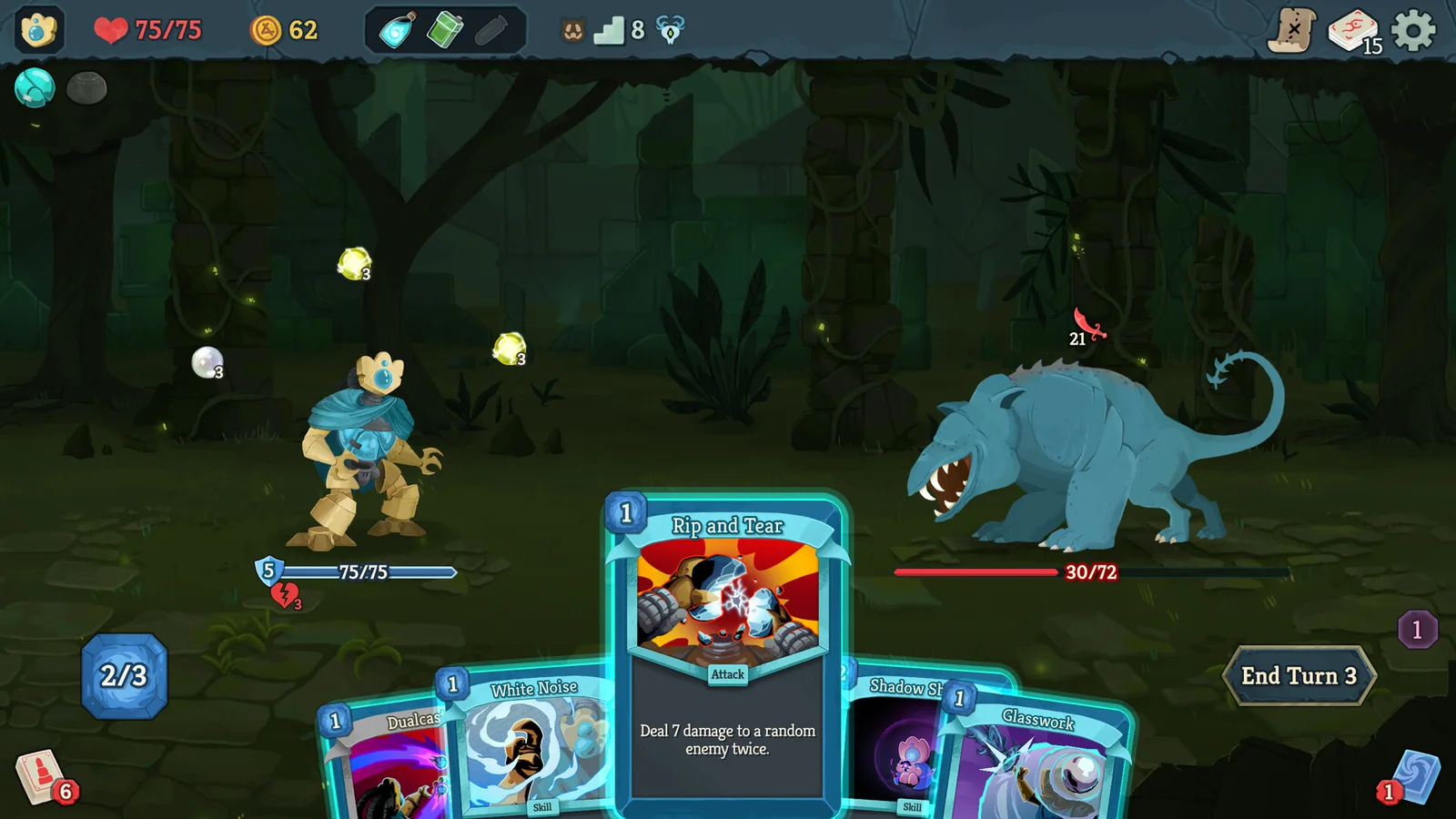
Build an initial learning routine around the cards and choices in front of you.
PC · macOS · Linux
Build version not confirmed
Separate the announced November beta plan from content already released.
PC · macOS · Linux
Build version not confirmed
Check Slay the Spire 2 Windows requirements: compare the Steam-listed CPU, GPU, RAM and storage before installing.
PC
Build version not confirmed
Use the bundle screen to keep the right items for the Community Center.
PC · macOS · Linux
Build version not confirmed
Make steady underground progress without planning a full clear in one day.
PC · macOS · Linux
Build version not confirmed
Put older teaser wording alongside the later official studio statement.
Platform not confirmed
Build version not confirmed
A clear boundary between official confirmation and unanswered questions.
Platform not confirmed
Build version not confirmed
Choose a Primary Account carefully; retired merging is different.
PC
Build version not confirmed
Build a foundation before taking on several progression systems.
PC
Build version not confirmed
Distinguish owning a blueprint from owning a completed item.
PC
Build version not confirmed
Separate account Mastery from the rank of one item.
PC
Build version not confirmed
Understand why an available Mod may not fit your equipment.
PC
Build version not confirmed
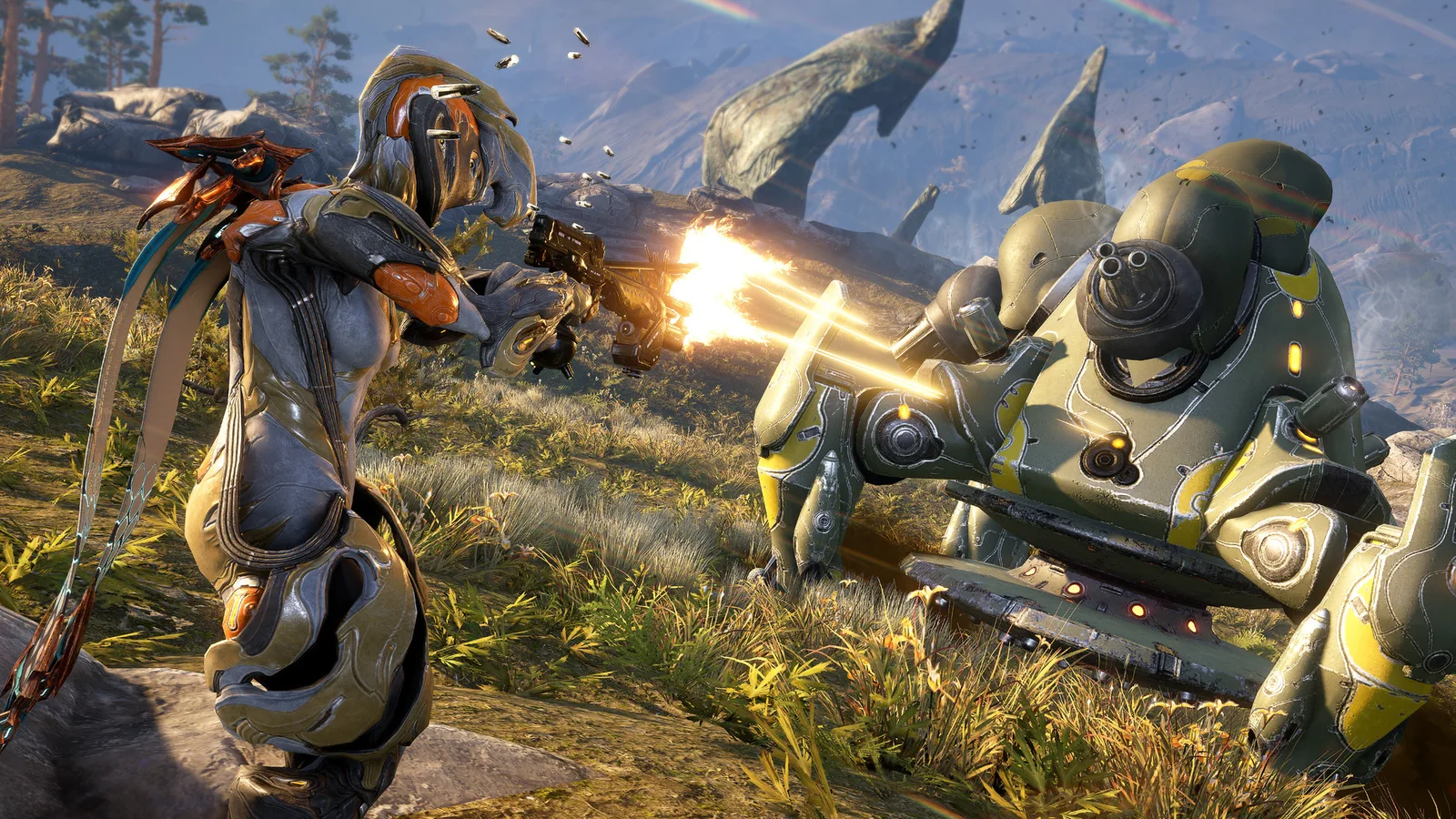
Check Warframe Windows requirements: compare the Steam-listed CPU, GPU, RAM and storage before installing.
PC
Build version not confirmed
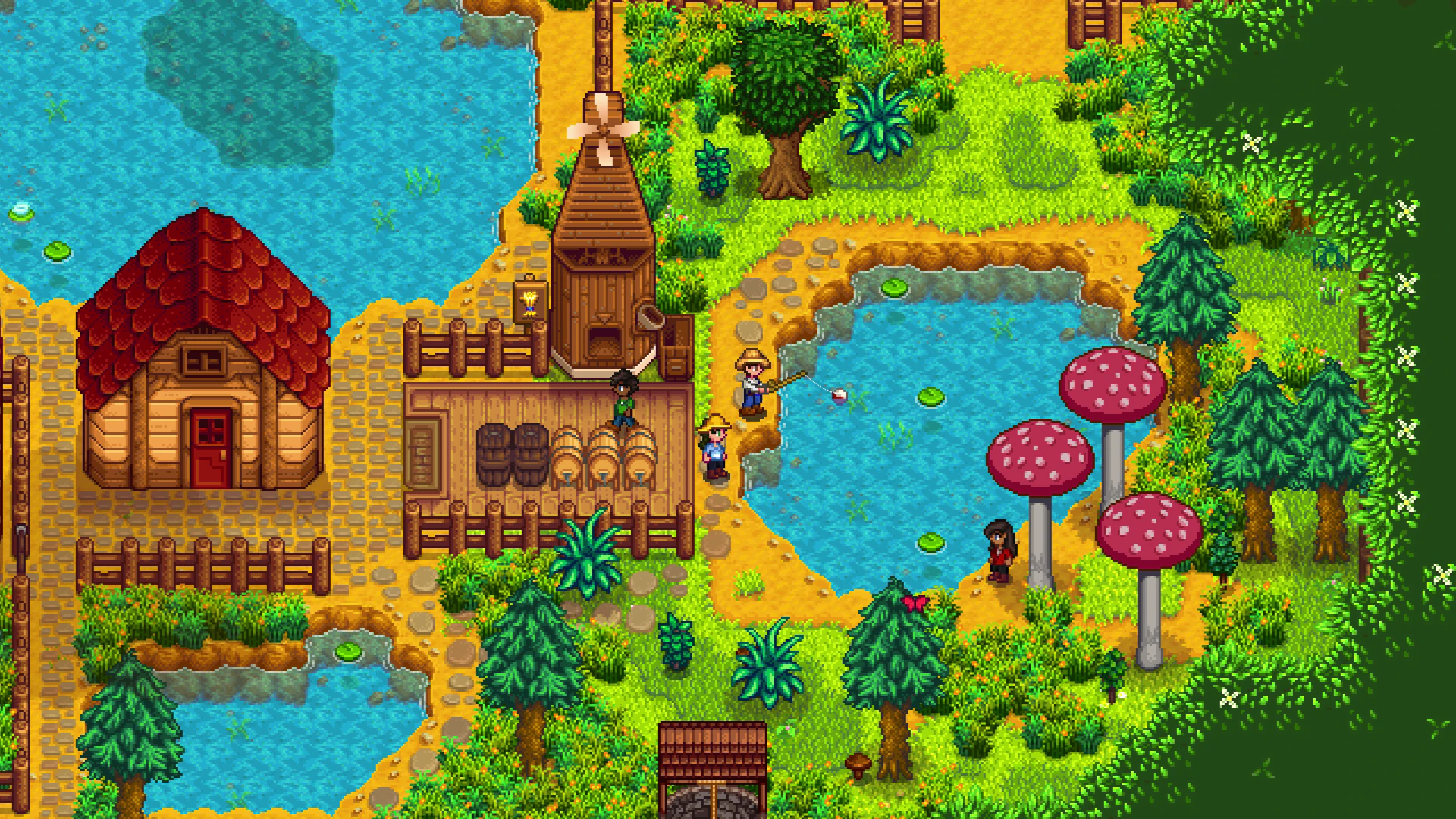
Budget for a coop and chickens, store hay and distinguish a hay hopper from an automatic feeder.
PC · macOS · Linux
Build version not confirmed
Learn the catch-bar controls, use the 25g Training Rod when needed and understand the first bait-capable upgrade.
PC · macOS · Linux
Build version not confirmed
Use the calendar and gift log, distinguish ordinary gift limits from exceptions and check one villager’s preferences at a time.
PC · macOS · Linux
Build version not confirmed
Compare the Pantry and Joja unlock routes, then plan the indoor crop area without assuming rain waters it.
PC · macOS · Linux
Build version not confirmed
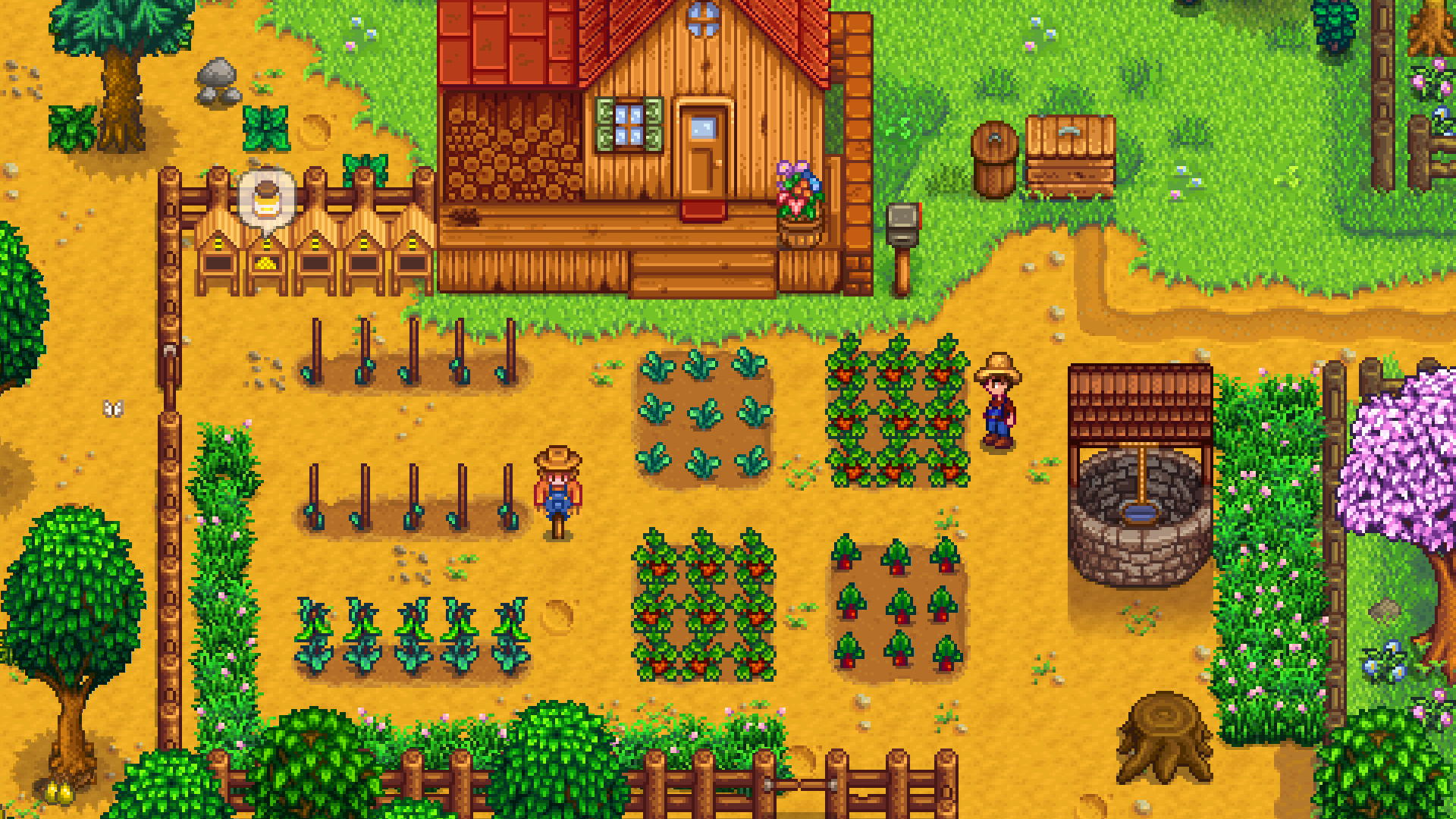
Compare three simple crops, count watering days and avoid planting too late for a spring harvest.
PC · macOS · Linux
Build version not confirmed
Compare 4, 8 and 24 watered tiles, see the exact footprints and avoid counting the sprinkler’s own tile as crop space.
PC · macOS · Linux
Build version not confirmed
Separate PS5 controller features, PC binding information and voice-language support.
PC · PlayStation 5
Build version not confirmed
Compare the base game, cosmetic extras and upgrade pack without confusing an upgrade with a game license.
PC · PlayStation 5
Build version not confirmed
English coverage of all 16 official Chinese support questions and six setup notes, including PC fixes, HDR, DualSense and Steam save recovery.
PC · PlayStation 5
Build version not confirmed
Read the official minimum and recommended specifications, then calculate RAM and SSD-space shortfalls.
PC
Build version not confirmed
Prepare the SSD, distinguish preload space from installation size, and check the latest dated launch guidance.
PC
Build version not confirmed
Follow the reported tower route to Hua, collect the quest item, and return to Yu’er at the outpost.
PC · PlayStation 5
Build version not confirmed
S-GAME’s approximately 5 GB update announcement, its driver exception, and the references checked against it.
PC
Build version not confirmed
Check where the Soul cosmetics are granted, account-linking conditions and what happens after a refund.
PC
Build version not confirmed
Understand the defensive meter, weapon swaps and the difference between Sha-Chi and Sha-Chi Essence.
PC · PlayStation 5
Build version not confirmed
Find the Chinese discussion community and distinguish a reported tip, an old demo observation and a verified launch mechanic.
PC · PlayStation 5
Build version not confirmed
Compare the developer’s named modes and distinguish preview-only checkpoint and New Game Plus details.
PC · PlayStation 5
Build version not confirmed
Recognize ability-gated paths, keep track of discoveries, and understand the reported health reward from story flowers.
PC · PlayStation 5
Build version not confirmed
Understand the reported damage windows in the first Bloodline Awakening challenge without applying them to every encounter.
PC · PlayStation 5
Build version not confirmed
An attributed guide to the optional boss below the Valley Sha-Chi Tower, linked to her weapon reward.
PC · PlayStation 5
Build version not confirmed
Find the current launch date, regional date differences, and confirmed PC and PS5 storefronts.
PC · PlayStation 5
Build version not confirmed
Learn what the developer confirmed about recovering upgrade materials before committing to a different weapon.
PC · PlayStation 5
Build version not confirmed
Connect Hua’s boss encounter to her weapon reward and its demonstrated battlefield-control effect.
PC · PlayStation 5
Build version not confirmed
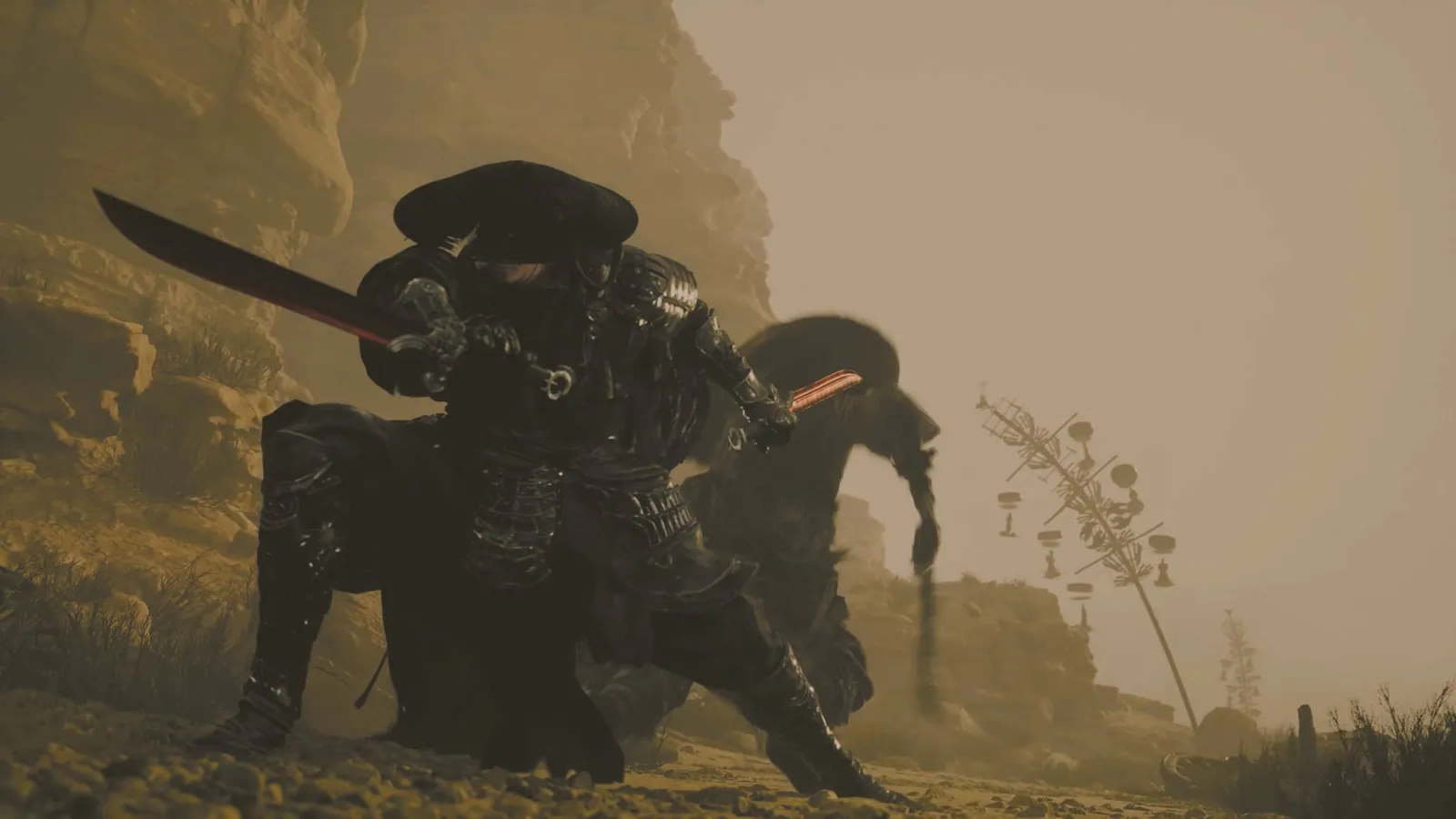
A concise reference to the paired swords demonstrated in PlayStation’s combat coverage.
PC · PlayStation 5
Build version not confirmed
The console announcement distinguishes its initial post from the later Nintendo Switch availability update.
Nintendo Switch · PlayStation 4 · Xbox One
Build version not confirmed
Confirmed controller platforms and the official Steam Input troubleshooting route.
PC · Nintendo Switch · PlayStation 4 · Xbox One
Build version not confirmed
The Steam listing supports eight-player farming. Check the version and host setup before inviting friends.
PC · macOS · Linux
Build version not confirmed
A reference list from the official FAQ and the Steam interface-language table.
PC · macOS · Linux
Build version not confirmed
A short route through the official launch troubleshooting steps, with a separate path for modded installs.
PC
Build version not confirmed
Start with matching versions, Co-op hosting, cabins, and the Steam or GOG account connection.
PC · macOS · Linux
Build version not confirmed
Find the official basis for Meadowlands Farm, new festivals, and selected machines introduced in 1.6.
PC · macOS · Linux · Nintendo Switch · PlayStation 4 · Xbox One · iOS · Android
Build version not confirmed
A historical reference for fish ponds, recoverable lost items, and selected quality-of-life changes.
PC · macOS · Linux · Nintendo Switch · PlayStation 4 · Xbox One · iOS · Android
Build version not confirmed
Compare confirmed platforms, controls, and multiplayer details before choosing a version.
PC · macOS · Linux · Nintendo Switch · PlayStation 4 · Xbox One · iOS · Android
Build version not confirmed
Find the Windows save folder and preserve a copy before following the official recovery guide.
PC
Build version not confirmed